Proud partner

Proud partner
Article


Just as a handy DIY enthusiast cannot do without tools, an online marketer cannot do without the necessary tools. To work effectively in Google Chrome, a number of extensions have been developed. These make it easy to gather information without taking up too much time. For example, you can check the header structure of a website, see if direct links are present on the site, and identify which CMS a website or online shop is built on. Our online marketers, Marthe and Jurien, talk about the Chrome extensions they use most often – and who knows, you might find something there to make your online marketing work a bit easier.
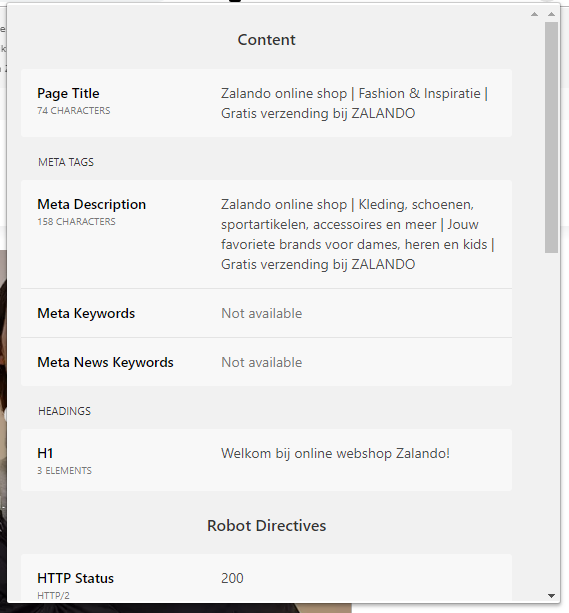
With the SEO Peek Chrome extension, you can check the basic SEO factors on a webpage with just one click. The page is scanned by examining the Document Object Model (DOM). Using this model, SEO Peek sends a request to the server to analyse various HTTP response headers and robot directives, such as HTTP status and meta-robots. It also displays header information, meta tags, link tags and the page title. This makes it ideal for quickly checking a page for basic factors.
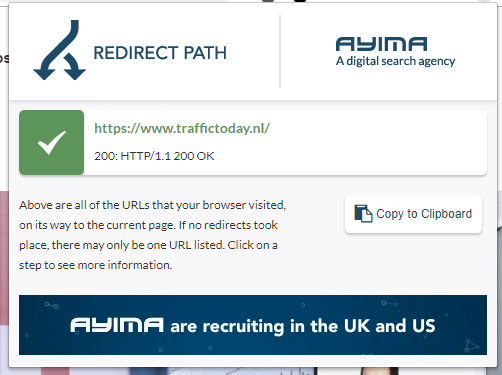
This HTTP and redirect checker shows you the status codes and the redirect path for all URLs or steps that your browser loaded before reaching the final page. This tool identifies all URLs in a redirect chain, as well as any temporary redirects (302s) that affect the passing of link juice. As well as highlighting redirects and potential errors, this extension also displays other HTTP headers, such as server types, caching headers and the server’s IP address. A simple yet effective Chrome extension.
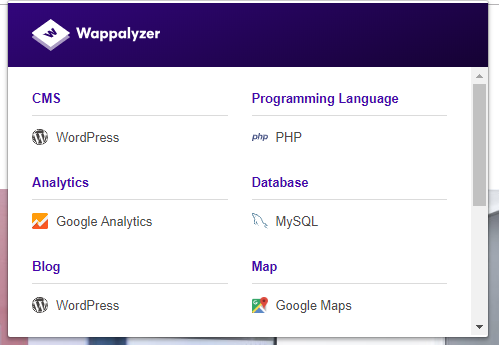
The Wappalyzer Chrome extension allows you to identify software installed on a particular website. This extension shows you which technologies are used and which Content Management System (CMS) the website runs on. It also identifies potential e-commerce platforms, web servers, JavaScript frameworks and installed analytics tools. With this extension, you can therefore easily see what the website is built on, without needing any login details.
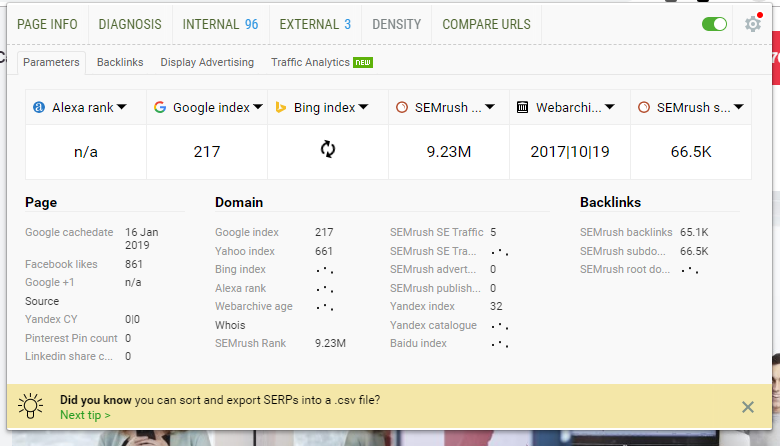
SEO Quake is a Chrome extension and plug-in that allows you to analyse key (SEO) data and carry out a detailed analysis of SERPs. All it takes is a single click and a second. There’s no need for a cumbersome interface. This extension is packed with tools and features, making it one of the most successful and well-known extensions on this list. With a real-time diagnostic function, this extension helps to identify and resolve various optimisation issues that arise with current search engines. Useful tools include a comprehensive SEO audit, a link checker and a keyword density analysis.
Data Miner is a very handy Chrome extension for technical SEO and link building. With Data Miner, you can ‘scrape’ data from any HTML web page, including tables and lists. This data can then be exported to Google Sheets or Microsoft Excel. For example, you can download lists of URLs from Google’s SERPs (ideal for creating link-building target lists) or use this tool to download specific pieces of content from any page. The possibilities here are endless. This tool also includes many pre-installed templates.

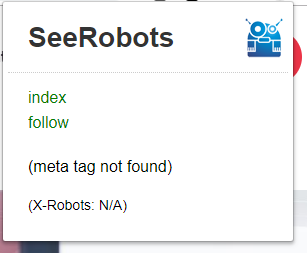
SEEROBOTS is a very handy Chrome extension for quickly and easily checking whether the page you’re viewing has any indexing restrictions, for example in the robots.txt file or within the HTML code itself. This is displayed very quickly using colour-coding. A completely green block indicates that the page may be indexed and that it is also set to ‘follow’. A block that is half green and half red indicates that the page may be indexed, but the links must not be followed (no-follow). A block that is half red and half green indicates the opposite: in this case, the page must not be indexed, but the links may be followed. A solid red square confirms that the website must not be indexed and its links must not be followed. This is very useful if a page has accidentally been set to ‘no-index’; with this tool, you can spot this straight away. This means you don’t have to spend ages searching for the possible cause of a drop in traffic and rankings.
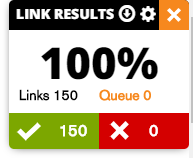
This extremely handy link checker can be integrated with Ahrefs, Moz and Majestic. This is particularly useful for finding out whether there are any backlinks pointing to pages that have been removed and are therefore returning a 404 error. LinkMinder takes checking for broken links to the next level. It lets you see at a glance whether there are any broken links in the page’s content. For example, all non-working links are highlighted in red, whilst working links are green. This extension provides more information about the links being checked, making it easier to make informed decisions. It’s also easy to export the results to CSV or Excel with a single click. In addition, the Chrome extension has recently been updated, meaning that LinkMiner can now view the pages in Google’s search results to examine the link statistics for each result.
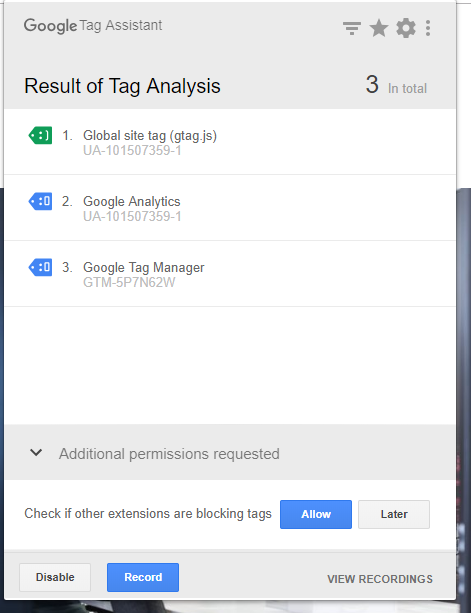
Google’s Tag Assistant Chrome extension is a simple tool for checking whether your Google Tags are working properly and being triggered correctly. You’ll often use this tool for Google Analytics and Google Tag Manager. It allows you to quickly check whether a tag is working correctly and sending the right data. With this extension, you can easily navigate to any page, and Tag Assistant will tell you which tags are present, report any errors and suggest improvements that can be made to the website.
With Ahrefs, you have the key SEO metrics all in one extension. This extension provides direct access to page and domain metrics. For example, you can see the Domain Rating, the number of backlinks and the URL rating. In addition, this extension provides data on the most important keywords, such as search volume and cost per click (CPC). With this extension, there’s no need to use a separate tool; the data is displayed below the toolbar. This allows you to easily analyse the website, whilst the extension provides additional data about the website in question.

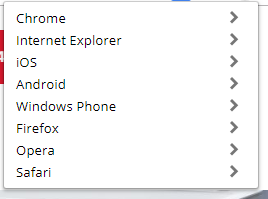
To ensure optimal discoverability, it is important that we optimise for different screen sizes and device types. It’s a real hassle to preview your changes on multiple devices, as you actually need to have those devices to hand! This extension allows you to view web pages as they appear on different devices and operating systems. It is, of course, an indispensable tool for website developers, but also very useful for anyone carrying out an SEO analysis or looking to optimise conversion rates. It allows you to quickly and easily check whether the website loads correctly on every type of device. And all with a Chrome extension!
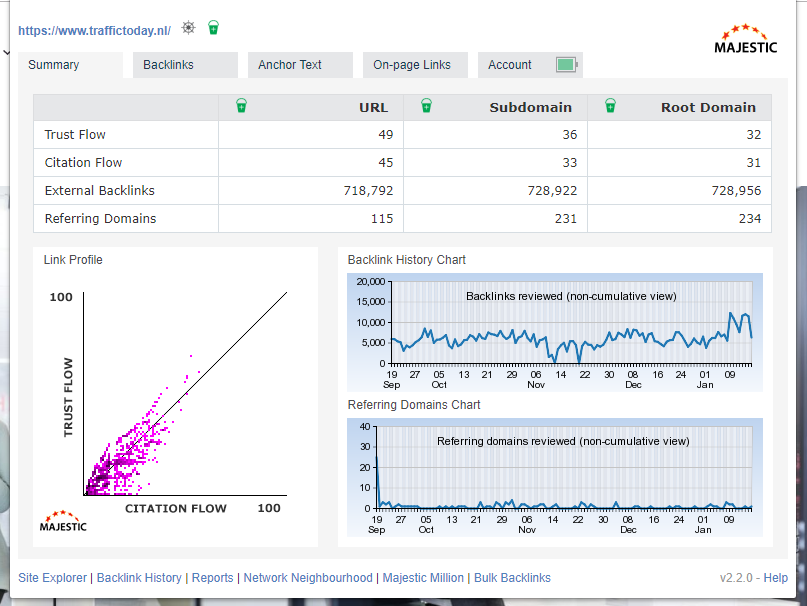
Like other well-known backlink profile analysis tools (Moz and Ahrefs), Majestic has developed a Chrome extension. However, this tool is slightly different. It focuses specifically on backlink profile analysis rather than on-page elements. You can quickly and easily view all of Majestic’s metrics, displayed in a list of the most important backlinks and anchor texts. There are also shortcuts to various Majestic tools. If you have a Majestic account, you’ll be able to view most of the data, but even if you don’t have an account, this Chrome extension is still useful!
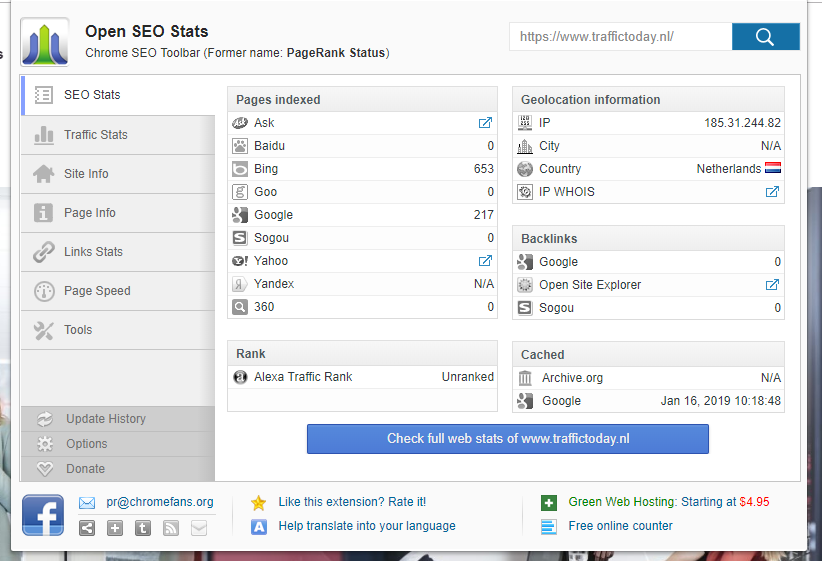
This Chrome extension is highly comprehensive and detailed. It will help you gather a wealth of SEO data from any website you visit. This plug-in provides you with a wide range of data, such as social media statistics, as well as in-depth SEO metrics including the number of backlinks, server data and website load times. Furthermore, data can be collected from various services, such as Moz, Semrush, Archive.org and Majestic.
As you can see, the extensions listed above are useful add-ons for Google Chrome. They add extra features to Chrome that can be accessed quickly and easily. The Chrome extensions can be downloaded via the Chrome Web Store. Here you’ll find a wide selection of Chrome extensions suitable for every field. You’ll find the extensions mentioned above, but there are also, for example, leisure-related extensions available to download. Downloading an extension takes just a few seconds. The extension must be added to Google Chrome in order to be used. All in all, it can be said that Chrome extensions are easy to use and save a lot of time. And the biggest advantage is that they’re free!
As online marketers, we are often busy analysing websites. When it comes to SEO, there are always areas that can be optimised. These areas for optimisation are not always visible on the front end of the website, which is why it is useful to make use of various tools. Google Chrome extensions make it easy to use these tools, allowing us to analyse a website quickly and easily. As you’ve read, we use various Chrome extensions. These save us a lot of time and effort when we’re working on our campaigns. Would you like to know more about using extensions? Or do you need help with the online marketing of your website? Please feel free to get in touch with us.




Our team is
ready to help you